12th of February 2020
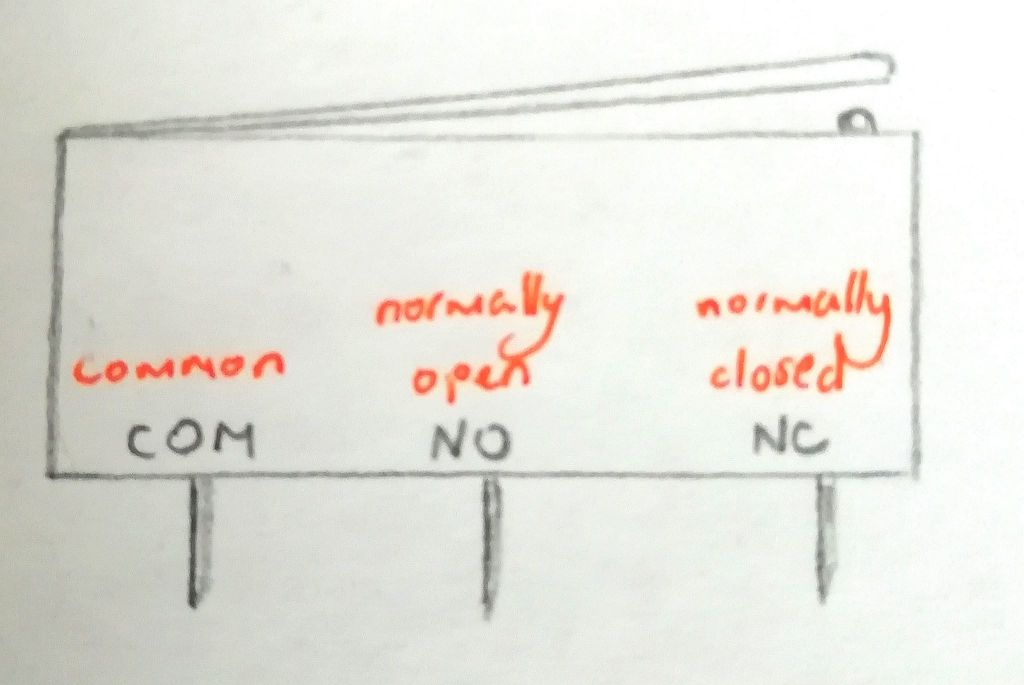
This week, we worked on the switch. For our robot, when the switch is pressed, the Arduino would receive that signal which would then rotate the motors in reverse making the robot go backwards. This is so that the robot would know that it has touched an object and not continue to move forward.
Code for the switch
/Programming the Switch
//Written By Andrea Lafford

void setup()
{
// put your setup code here, to run once:
pinMode(3, OUTPUT); // Motor Pins
pinMode(4, OUTPUT);
pinMode(6, OUTPUT);
pinMode(7, OUTPUT);

pinMode(5, INPUT); //Switch Pin
}

void loop()
{
int x;
x = digitalRead(5);

if (x == 1)
{
//Left motor forward for 5 sec
digitalWrite (3,HIGH); //Set Both Motors to move "CounterClockwise" "Forward"
digitalWrite (4,LOW);
digitalWrite (6,HIGH);
digitalWrite (7,LOW);

}
else
{
digitalWrite (3,LOW); //Set Both Motors to move "Clockwise" "Backwards"
digitalWrite (4,HIGH);
digitalWrite (6,LOW);
digitalWrite (7,HIGH);

}
}
